What SOS does
Everything a school needs from its MIS, and nothing it doesn’t.
The statutory core, from registers to the census, comes with every school. Assessment, behaviour, parent messages and the trust dashboard are modules each school can switch on.
The core
The statutory MIS, done properly.
Every school gets the functions DfE lists as the minimum for an MIS, each with its own guides inside SOS.
Registers and attendance
AM and PM registers on DfE’s codes, daily absences for calls home, eight attendance reports and an emergency roll-call.
AttendancePupil records
Identifiers, UPNs and ULNs, demographics, free school meals, funding, contacts, siblings, consents and flags.
Pupil recordsCensus and transfers
School and workforce census returns checked by DfE’s own rules, CTF and ATF in and out, and ULN requests to the LRS.
School censusSEND and safeguarding
SEN provision and needs, EHC plans, care episodes, child protection plans, suspensions and exclusions.
Statutory recordsStaff and workforce
Staff records in six sections, from contracts to qualifications, feeding the school workforce census.
StaffAdmissions and leavers
Admit with or without a transfer file, applicants held until they start, and leavers with DfE’s reasons.
AdmissionsAssessment and tracking
Progress, habits and early years in the same place as the register.
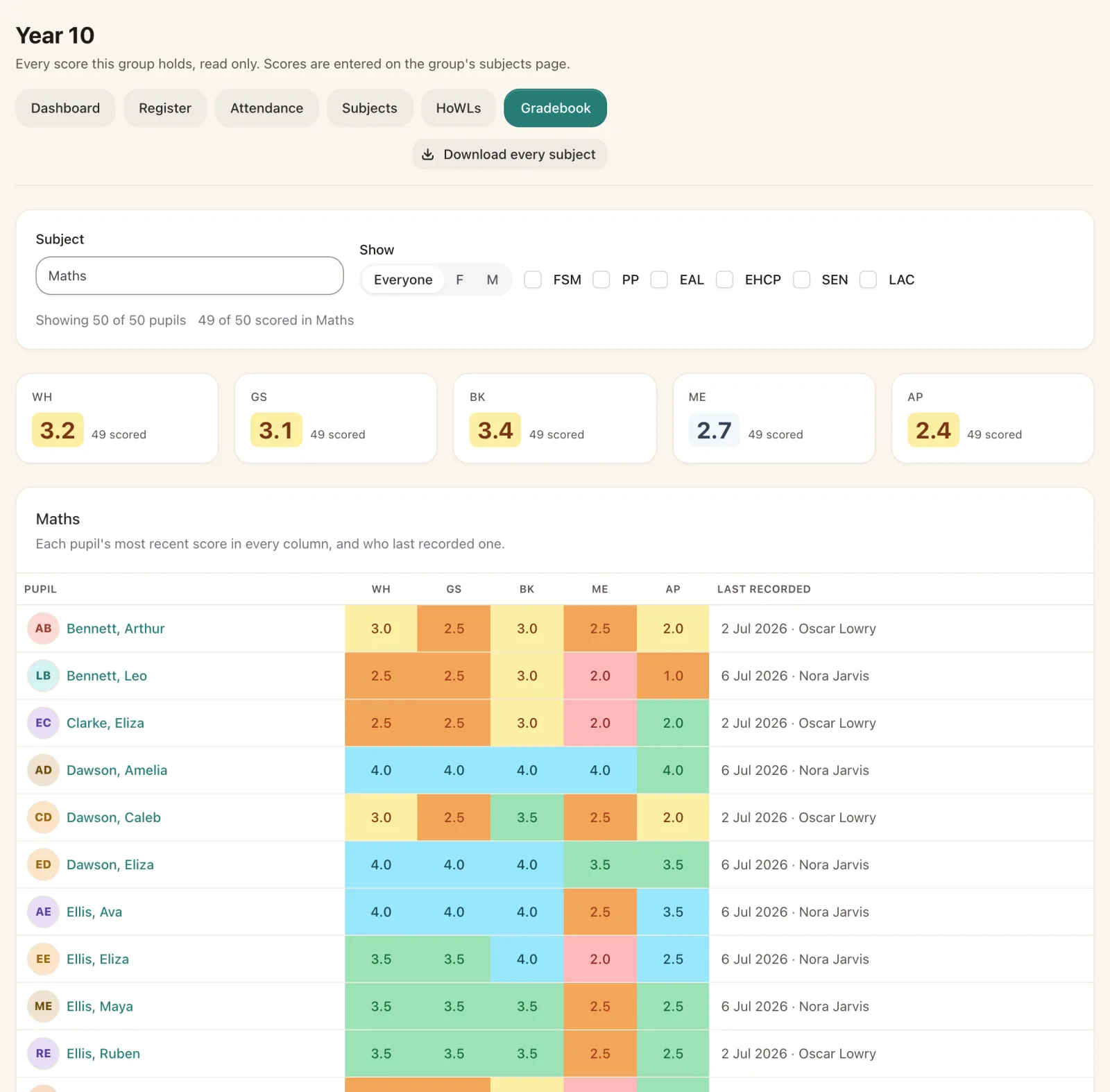
Teachers record against the gradebooks and subjects the school sets up, and leaders see each group’s picture without a separate system.
- Gradebooks of learning targets and standards, graded for each group.
- Habits of Work and Learning and subject scores for every group, with subjects copied from one group to another in a click.
- Early years scoring against the school’s own framework.
- Key stage results on the pupil record, carried in the CTF.
Staff and the workforce census
Staff records that the workforce census can trust.
Personal details, account, contracts with roles and pay, absences, curriculum and qualifications, each on DfE’s code lists.
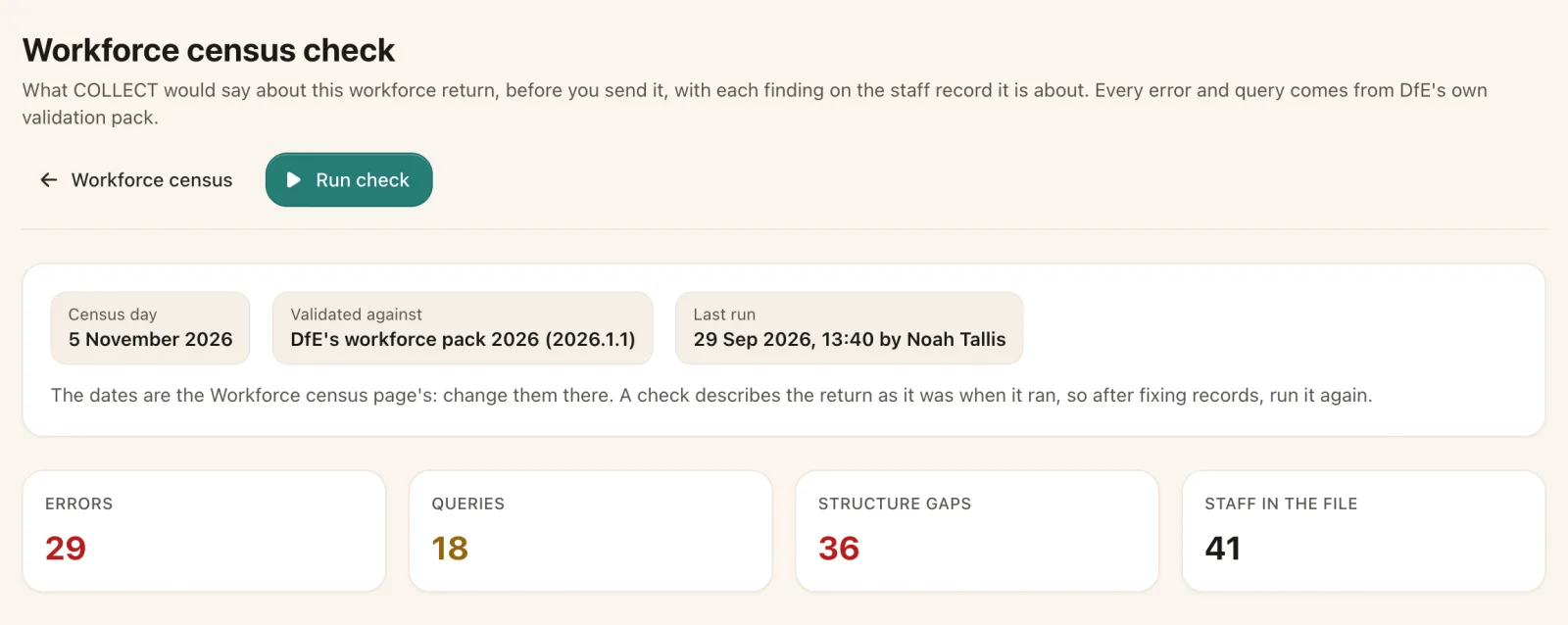
- The workforce census return is built from these records and checked against DfE’s 2026 rules.
- Each finding opens the staff record at the step that holds it.
- In a trust, each person is held once with a unique staff number, linked to their account at every school.
Made for every day
Simple enough for a supply teacher, thorough enough for an auditor.
Help on every page
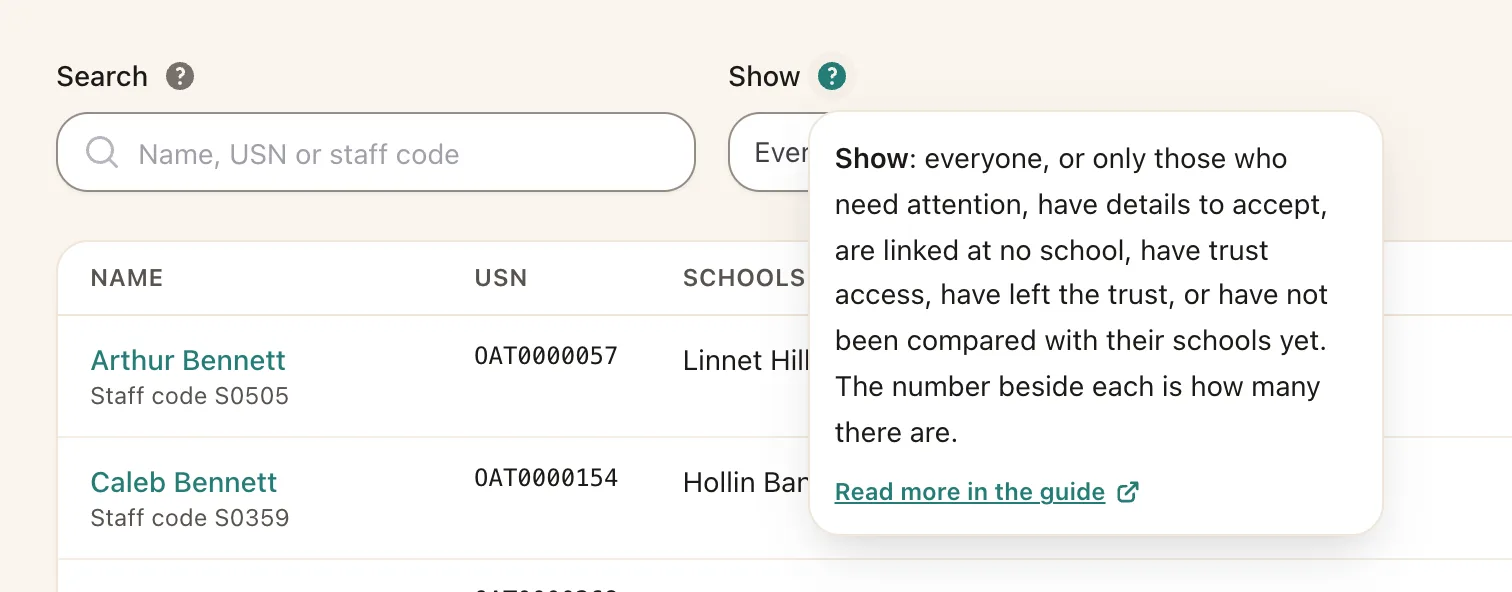
Each page has its own guide and every control its own explanation, with step-by-step recipes for jobs like the census.
Any device
A web app for any up-to-date browser on a computer, tablet or phone. Nothing for the school to install or patch.
Sign in without passwords
Staff sign in with their school Google account or Realsmart. SOS keeps no passwords to steal.
Roles and permissions
Every page is gated by permission, and schools can make their own roles for the way they work.
Your own pupil flags
Define the groups that matter to you and use them throughout, from the pupil list to attendance reports.
A full audit log
Every change, view of a record, download and sign-in, kept for six years and protected in the database.
Optional modules
Switch on what you use, and only pay for that.
Modules are switched on or off for each school, dated so the invoice follows them pro rata. Switching one off keeps its data safe and out of the API until it comes back.
Assessment and tracking
Subjects, gradebooks, scores, HoWLs and early years scoring.
Behaviour
Praise and interventions recorded against pupils and groups.
Parent comms
Texts and emails to parents from a pupil’s record or a whole group.
Multi-school dashboard
The trust dashboard and switching between the trust’s schools.
A closer look
Help on every page, and the rest of the day.
Guides written for the office, help beside each control, scores, and texts home to a whole group.
See it for yourself
See your school’s day in SOS.
Tell us about your school and we will show you SOS working with your groups, your registers and your census.