Pupil records
One trustworthy record for every child.
Identifiers, family, funding, SEND and safeguarding in one record, on DfE’s code lists, with every change written to the audit log.
The record
Everything the census and the next school need.
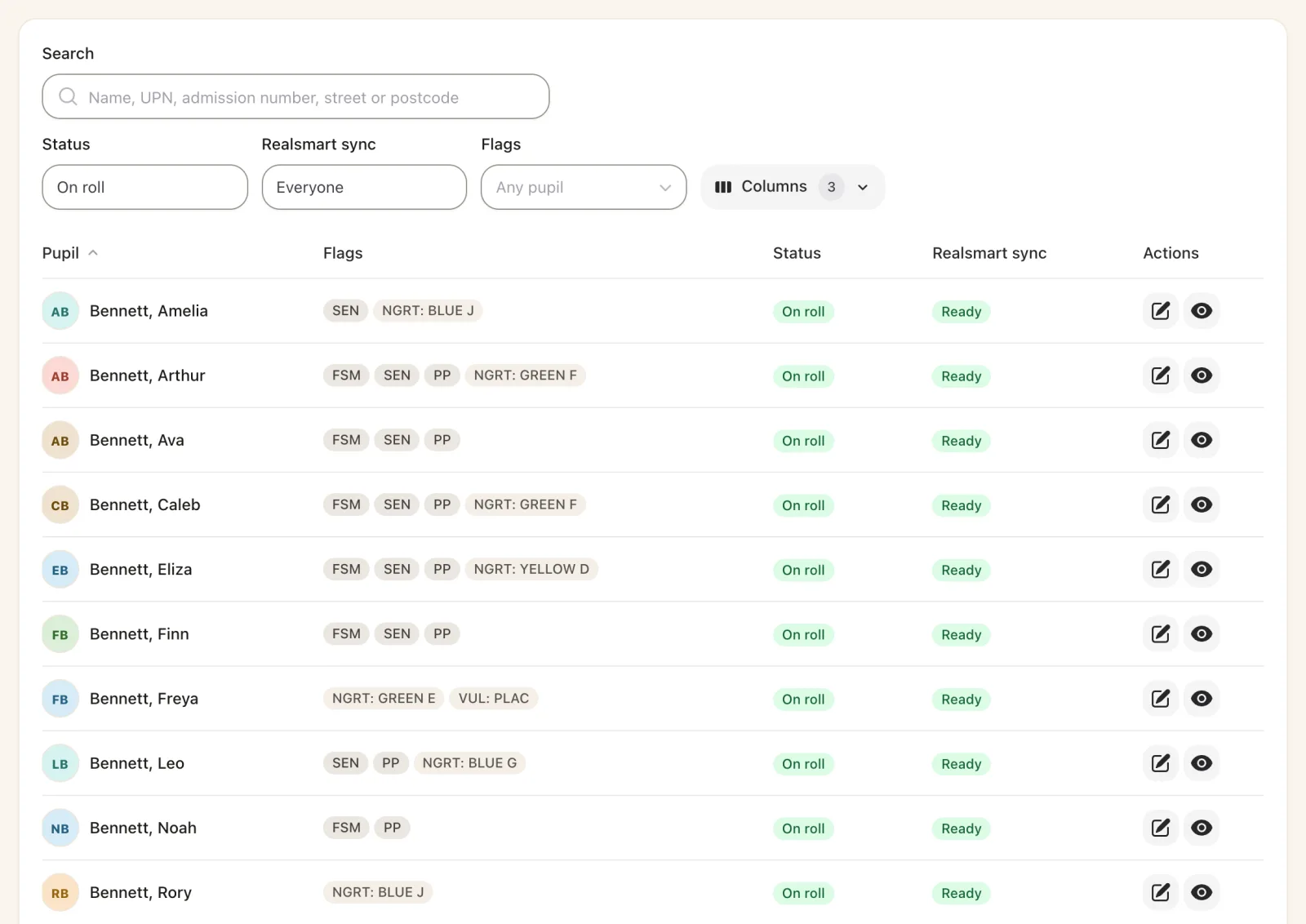
Office staff search by name, UPN or postcode and edit a pupil in clear tabs, with the values DfE expects.
- Identifiers: UPN generated with its check letter, former UPN, ULN, unique candidate identifier and NHS number.
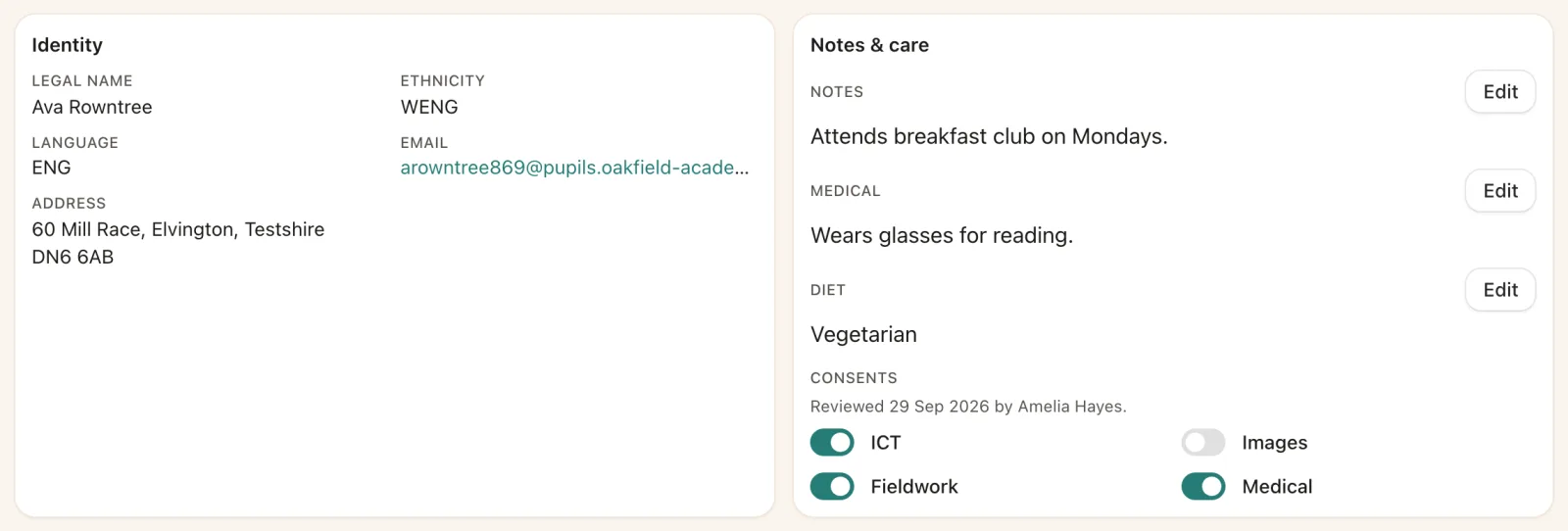
- Demographics on DfE’s lists for ethnicity, language, country of birth and nationality.
- Free school meals with the 2026 to 2027 category and verification date, plus service child, kinship care, young carer and early years funding.
- Consents and pupil flags the school defines, used across SOS.
Contacts and family
Know who can collect, who to call, and who must not be contacted.
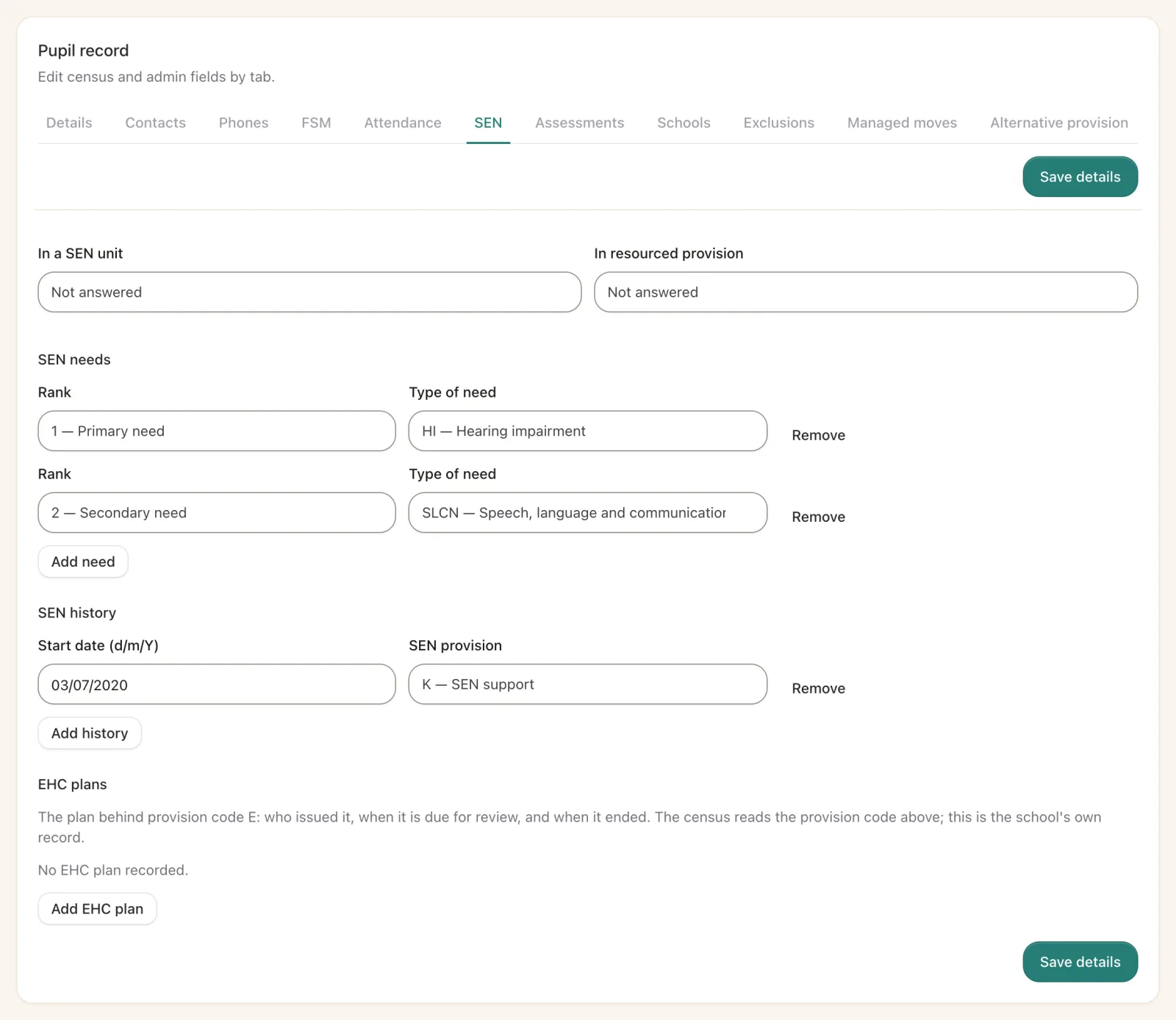
Each contact carries their relationship, parental responsibility, priority, address and numbers.
- Court orders and restrictions keep a contact out of calls, group texts and emails, and flag them on the roll-call.
- Siblings are linked, and a brother’s or sister’s contacts can be offered when a new child is admitted.
- One tap to ring home from the pupil’s page.
SEND, safeguarding and behaviour
The statutory records, kept with care.
What the census, the CTF and DfE’s data model need, recorded once and carried wherever the child goes.
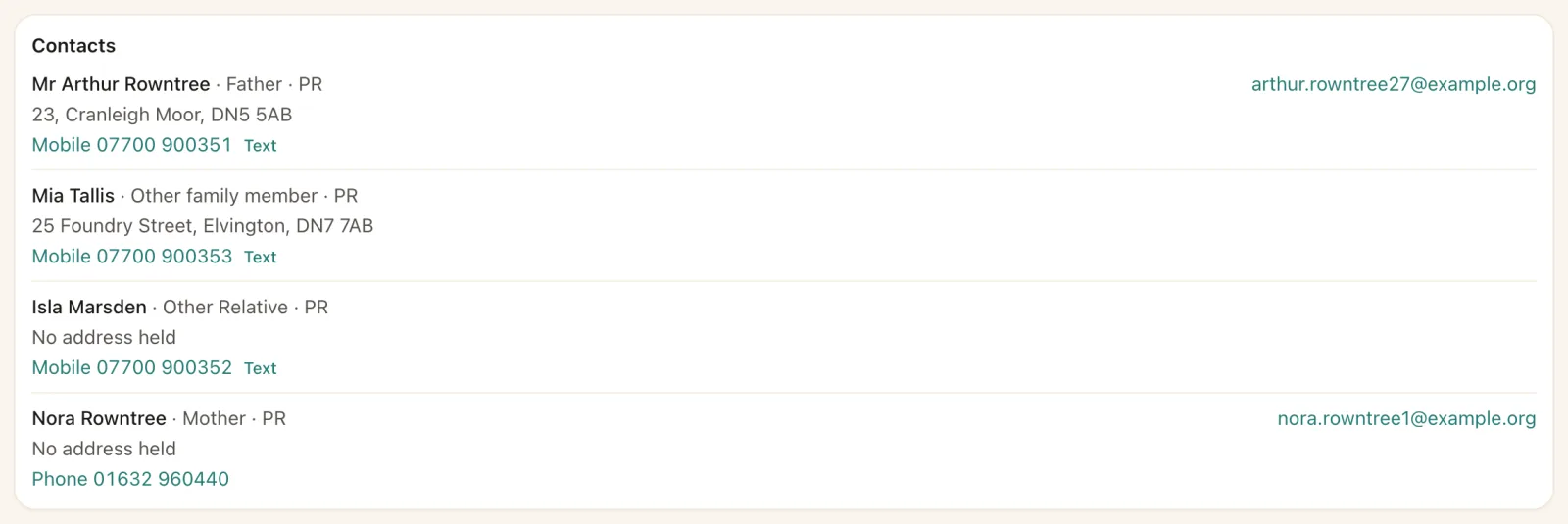
SEN
Provision with start dates and ranked types of need. The census sends the provision in force on census day.
EHC plans
Issuing authority, issue and review dates. Where a plan and the SEN provision disagree, SOS lists the pupil for checking.
Looked-after children
Care episodes with the responsible authority, and previously looked-after status for the census.
Child protection plans
Category, start and end dates, kept with the pupil’s statutory records.
Suspensions and exclusions
DfE’s categories and reasons, with sessions, ready for the census.
Behaviour
Praise and interventions recorded against pupils and groups, in the optional behaviour module.
Admissions and leavers
From applicant to leaver, without retyping.
- Admit from a transfer file or add a pupil by hand, with SOS checking for a record that already exists.
- Applicants held from an admissions file until the day they start.
- Managed moves and alternative provision recorded as the census needs them.
- Leavers taken off roll with DfE’s reason and destination, and their CTF sent on.
Your records, on request
A pupil’s full record can be exported for a subject access request in one download. The school agrees how long it keeps records, and SOS lists what has passed that period for someone to confirm before anything is anonymised or deleted.
More of the pupil record
Find a pupil, and everything about them.
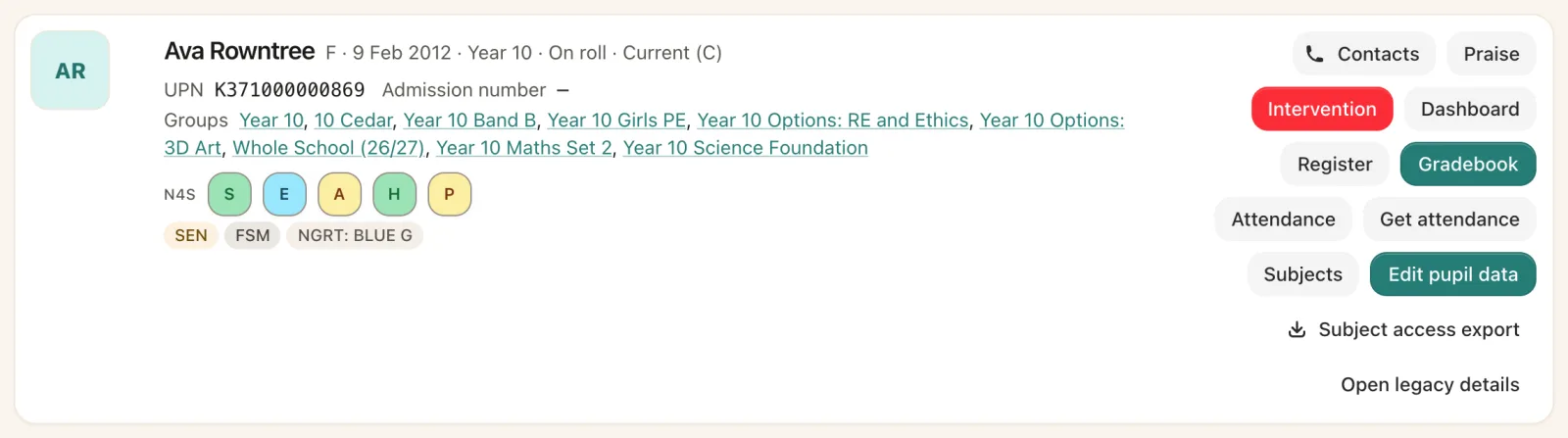
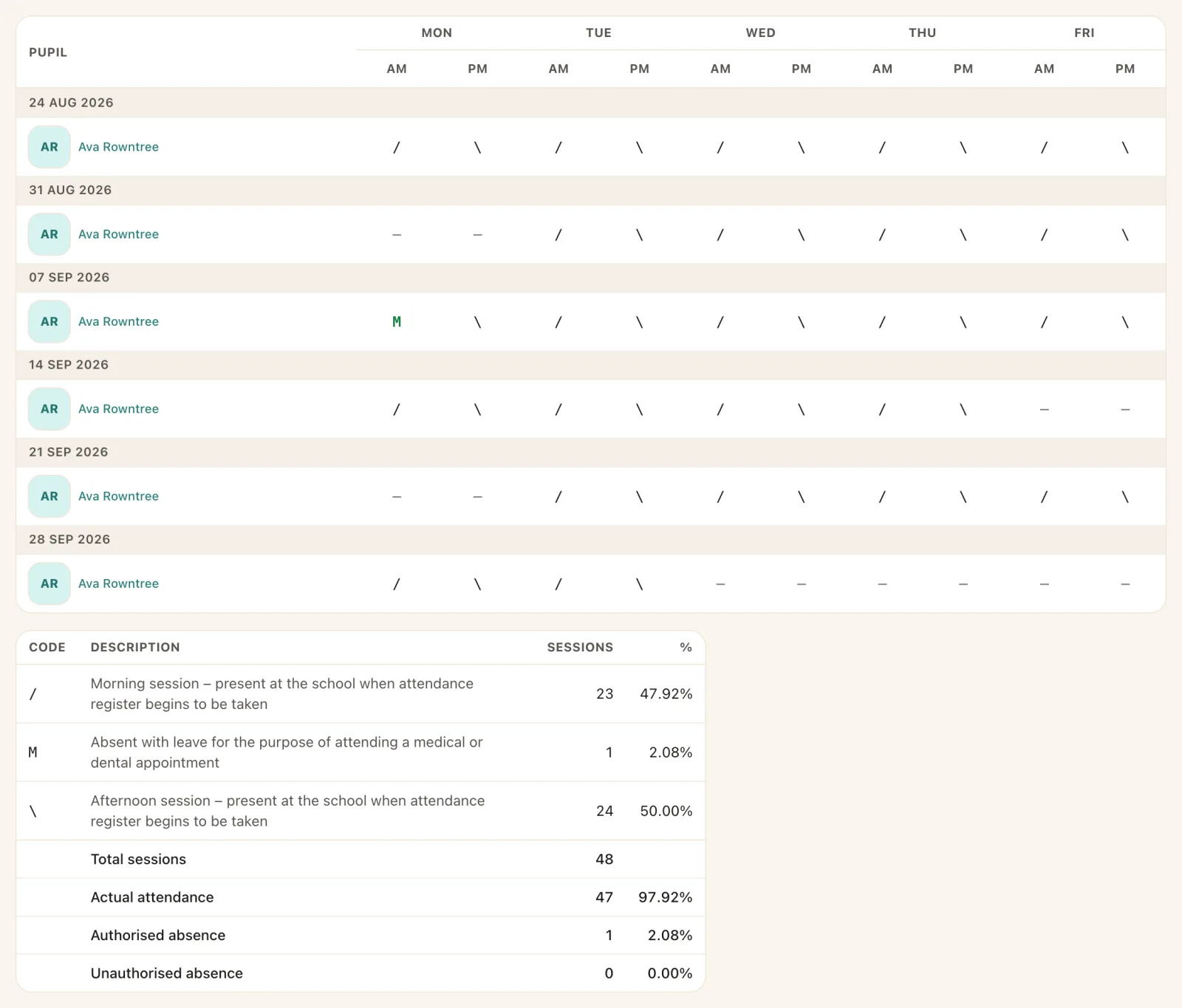
Search as you type, then one record for attendance, care, consents and progress.

See it for yourself
See your pupils’ records in SOS.
We will walk you through a pupil’s record, their contacts and their census data with your own team.